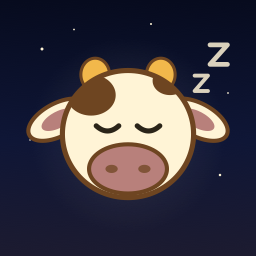
 Moo Dreams
Meet Moo
The cow who keeps the clock company.
She is never a button that does anything else, and she never carries a meaning. She is just there, the way a good night light is there. Tap her.
Her day
She has a schedule, like everyone else in the house.
On a black Night Stand with A livelier Moo turned on. Over a photo she only dozes in the corner, so the picture stays the picture.
Where she lives
Four quiet places, and the Night Stand if you ask.
Off by default, Moo appears in exactly four places and does nothing. With A livelier Moo (Settings › This device) she grows, blinks, answers a tap, and moves onto the clock.
The rules she keeps
Company, never a distraction.
- Never a button that does anything else. A tap gets a hop and a "Moo!", and that is all.
- Never carrying meaning. Nothing in the app depends on noticing her.
- Nothing animates continuously. Her moments last a second or two, a walk at most eight seconds, with quiet gaps between.
- Still under Reduce Motion. In Low Power Mode she keeps the small moments and skips the walks.
- Out of the way. Her walks avoid the stretch under a clock or details block the kid placed low.
- Hidden from VoiceOver on the clock, so the screen reader hears the time and nothing else.
- A detail, not a feature: eleven percent of the screen's height, at most 96 points, a little less on an upright iPhone.
Why a cow
The farm words
The app's family words are farm words, and the family's cow needed a name. Moo keeps them company. One switch in Settings turns the farm words into plain ones; Moo stays either way.
- The Herd
- Your family.
- The Barn
- The parent area, behind the PIN.
- The Rancher
- The parent.
- Sunrise
- The wake-up flow: the ring, the challenge, the message, the morning.
- Moonrise
- The bedtime flow: the check-in, the sounds, the timer.
Turn her on and leave the clock up tonight.
Settings › This device › A livelier Moo, a black Night Stand, and the charger. The Night Stand section has the rest.